
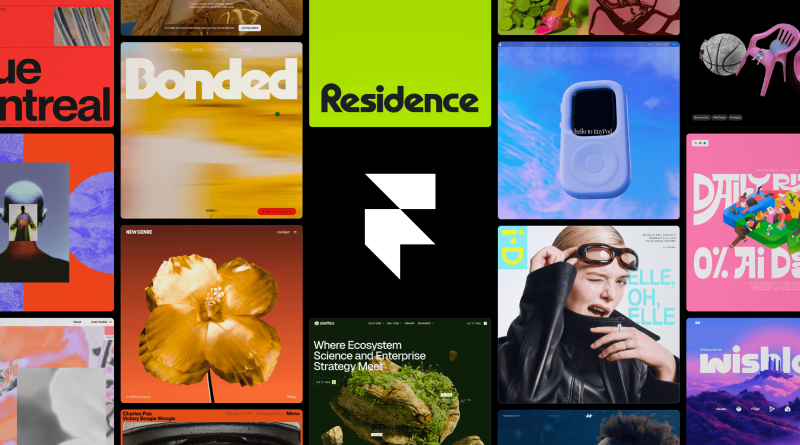
Framer Review 2026: The AI Design Agent for Sites That Must Look Custom
# Framer Review 2026: The AI Design Agent for Sites That Must Look Custom
**Verdict:** Framer is the best design-first website builder when visual polish and canvas control matter more than CMS depth or clean code export. Use it for portfolios, SaaS marketing sites, and agency client launches. Do not pick it if you need self-hosted HTML export or a WordPress-scale content machine.
**Best for:** Designers, founders, and agencies shipping branded marketing sites in the browser.
**Not for:** Teams that must own exported code, heavy editorial publishers, or anyone allergic to hosted-builder lock-in.
*Researched 2026 overview based on Framer’s public product materials around Framer 3.0 — not a logged production deploy of every agent workflow.*
What works well
– **Canvas-native Agents.** Prompt edits that land on real layers, styles, and CMS items you can still hand-tune.
– **Branching.** Draft agent or teammate changes off the live site, review, then merge — closer to git than typical website builders.
- **Design quality ceiling.** Easier to ship a “designed” marketing site than in many prompt-only builders.
- – **External Agents.** Drive CMS and site updates from the AI tools your team already uses, with changes staying unpublished until you approve.
- – **Performance and hosting.** Built-in hosting, analytics, localization, and A/B testing reduce tool sprawl for marketing sites.
What frustrates
- **No clean code export.** You ship on Framer’s stack; plan for that lock-in.
- – **Pricing stack.** Site plans plus editor seats plus AI credits can add up — verify Free / Basic / Pro (and seat add-ons) on the live pricing page.
- – **CMS / SEO at scale.** Fine for marketing sites and blogs; heavy publishers often outgrow it toward headless CMS setups.
- – **Agent trust.** Agents help; they still need review — especially for SEO metadata, alt text, and brand-critical copy.
Framer vs Webflow / Squarespace (practical)
| Need | Lean toward |
| — | — |
| Designer-led marketing sites + AI canvas agents | Framer |
| Deeper CMS / more “web app-ish” site builds | Webflow |
| Simple brochure site with minimal learning | Squarespace / similar |
| Own the repo and host anywhere | Hand-coded / next.js stack |
Who should use it
– **Yes:** Startup marketing sites, agency client launches, portfolios that must look intentional.
– **Maybe:** Content-heavy blogs — start here, migrate CMS later if volume explodes.
- **No:** Engineering teams that require exported components in their own monorepo.
Applorable take
In 2026 Framer’s Agents + Branching story is the real upgrade, not another template pack. Choose Framer when design control and speed-to-beautiful-marketing-site beat ownership of the HTML. Start free, publish a real page, then pay only when AI credits, CMS limits, or team seats become the blocker.
Always confirm current AI credit allotments and seat pricing inside a signed-in Framer account before quoting a client retainer. Agents are productive; they are not a substitute for a human pass on brand voice, legal pages, and checkout flows.
Disclosure: No affiliate links in this review.
## What Framer is
Framer is an AI-assisted website builder at [framer.com](https://www.framer.com/). You design on a freeform canvas, publish to Framer hosting, and manage CMS collections, SEO, localization, and A/B tests in the same product. Framer 3.0 pushed the positioning from “pretty site builder” to “AI design agent”: canvas-native Agents that generate and refine pages in place, Branching for safe experiments before merge, and External Agents that connect tools like Claude Code, Cursor, or Codex to a Framer project.
You still get the classic strengths — Figma-like layout control, interactions, responsive breakpoints, and strong Core Web Vitals claims on Framer hosting — with AI sitting inside the production workflow rather than as a one-shot landing-page generator.