
Cal.com Review 2026: Open Scheduling Without the Calendly Lock-In
Verdict: Cal.com is the scheduling stack to pick when open source, self-hosting, or escaping Calendly’s per-seat lock-in matters as much as a clean booking page. Hosted Cal.com is competitive; self-host wins when you have ops capacity and want data residency on your terms.
Best for: Founders, agencies, and engineering-led teams that want booking pages, round-robin, and CRM hooks without a closed SaaS cage.
Not for: Non-technical solo users who want zero maintenance and do not care who hosts the calendar data.
Researched 2026 overview based on public product/pricing pages — not a logged hands-on lab of every feature.
What it is
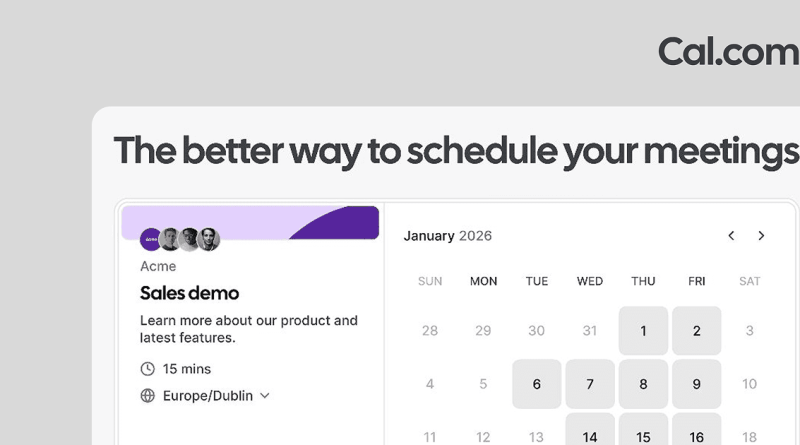
Cal.com is an open-source scheduling platform: event types, availability rules, booking pages, team routing, payments, and a wide integration catalogue. You can use Cal.com’s cloud, or run the stack yourself. The pitch against Calendly is ownership — of code, of data, and of upgrade destiny — while still matching the “send a link, book a slot” workflow everyone already understands.
In practice that means public booking pages that look professional, buffers and notice windows, collective or round-robin team events, and webhooks when you need the booking to trigger something in your own systems.
Who it’s for
Sales and success teams that need round-robin and routing forms; coaches and consultants who want payment-gated bookings; product and hiring teams that embed scheduling in their own sites. Self-hosters and privacy-sensitive organisations get a first-class path that Calendly simply does not offer.
If your legal or security team asks “where does the booking data live?, Cal.com can give an answer you control.
Strengths
- Open scheduling: Public codebase and a serious self-host story, so you are not trapped if pricing or policy shifts.
- Free individual cloud: Unlimited event types and calendar connections for a single user on the free forever plan — enough for many freelancers.
- Team features that scale: Round-robin, collective and managed events, routing forms, analytics, and branding removal on Teams; SSO/SCIM and compliance language on Organizations.
- Integrations: Google, Outlook, and Apple calendars; Zoom, Meet, Teams and many conferencing tools; Stripe and PayPal for paid bookings; Salesforce and HubSpot sync; Zapier, Make, webhooks, and 100+ apps.
Trade-offs / Limits
- Self-hosting is free of license fees but not free of ops: Docker, email deliverability, OAuth apps, backups, and upgrades are your problem.
- Hosted Teams and Organizations still use per-user pricing; the lock-in escape hatch is strongest when you actually self-host or stay on Free as an individual.
- Calendlys UI polish and mindshare remain higher for non-technical buyers — expect a short change-management cost with clients used to the Calendly brand.
- Community self-host builds may lag commercial features; treat production SLAs as your responsibility unless you buy Enterprise.
Pricing
Confirm on cal.com/pricing. Publicly listed on annual billing: Free for individuals; Teams around $12 per user per month; Organizations around $28 per user per month with SSO and compliance features; Enterprise custom. Self-host costs are infrastructure and time. Calendly’s hosted Standard often lands near similar seat pricing — so choose Cal.com for openness and control, not because cloud seats are magically free.
Verdict / Who should buy
Pick Cal.com over Calendly when you want open source, embedding freedom, or a credible self-host path. Use hosted Free or Teams if you want that philosophy without running Postgres. Stay on Calendly if zero-ops polish and brand familiarity beat ownership. For growing teams, run the numbers on seats versus a small VPS — the economics tip hard once headcount and data-control requirements rise. Start by importing one calendar and one event type; only migrate the whole org after a week of live bookings.