
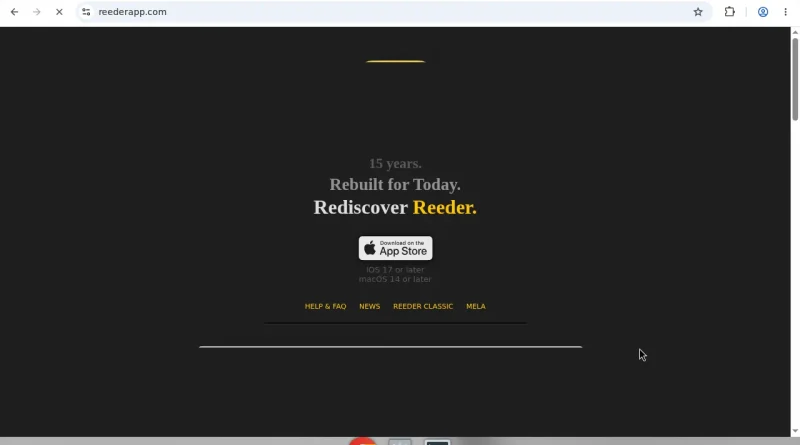
Reeder Review 2026: The Rebuilt RSS Inbox for Apple Devices
**Verdict:** The current Reeder (not Reeder Classic) is a researched favourite if you want one Apple-native timeline for RSS, podcasts, YouTube, and light social feeds with scroll-position sync instead of unread guilt. Premium is cheap; Classic remains for traditional backend sync fans.
**Best for:** iPhone, iPad, and Mac readers who want a calm, design-first feed inbox.
**Not for:** Power users who need Inoreader-style rules engines, or anyone who must stay on Feedly/Feedbin inside the new app (use Classic for that).
*Researched 2026 overview from reeder.app, App Store listings, and help docs — not a logged comparison of every third-party sync backend.*
What Reeder is
[Reeder](https://reederapp.com/) by Silvio Rizzi was rebuilt as a unified content inbox for iOS 17+ and macOS 14+. Instead of chasing unread counts, it syncs timeline position across devices via iCloud so you resume where you left off. Sources include RSS/Atom plus podcasts, YouTube, and social timelines such as Mastodon and Bluesky — positioned as a hub, not a full replacement for every native client.
Filters build custom timelines by keyword or media type. Tags can become public JSON feeds for sharing curated streams. A share extension saves links from Safari and other apps. iCloud sync focuses on subscriptions, position, and tagged items while content is fetched from the sources.
Reeder Classic continues as the older one-time-purchase app with traditional readers and third-party sync services.## What works well
- **Timeline sync.** Dropping unread badges reduces inbox anxiety without losing place across phone and Mac.
- – **Unified sources.** One app for blogs, shows, and light social watching is genuinely useful.
- – **Native feel.** SwiftUI polish, typography, and layout controls read as Mac/iOS-first software.
- – **Shared feeds.** Turning a tag into a public feed is a clever curation trick for newsletters-of-one.
- – **Gentle Premium.** Core reading works free; Premium unlocks the cross-device perks most people actually want.
What frustrates
- **Not a full social client.** Threads, complex posting, and deep moderation still belong in native apps.
- – **Classic vs new confusion.** Buyers still search “Reeder” and land on different mental models — Classic for Feedbin/Feedly-style setups, new Reeder for iCloud timeline.
- – **Apple-only.** No Android or web companion for the new app.
- – **Sync philosophy trade-off.** If you love unread counts and star workflows from twenty years of RSS, the new model takes adjustment.
Pricing / plans (verify in App Store)
The new Reeder is free to download with In-App Purchases. US App Store listings commonly show Premium around $1/month or $10/year (regional prices differ). Confirm what Premium unlocks on the purchase sheet before subscribing — sync and higher limits are the usual reasons to pay. Reeder Classic remains a separate one-time purchase with its own rules.
Who it’s for / not for- **For:** Apple users rebuilding a reading habit after social-media fatigue.
- **For:** People who want podcasts and blogs in one evening scroll.
- – **Not for:** Newsroom monitors who need keyword alerts and automation rules.
- – **Not for:** Households that must share one Android + iPhone feed account.
Applorable take
Install the new Reeder, add twenty feeds you already trust, and live with timeline sync for a week. If the calm sticks, Premium is an easy annual yes. If you need Feedbin-style backends or unread zero rituals, stay on Reeder Classic or NetNewsWire. The 2026 researched story is simple: Reeder chose taste and resume-position over inbox warfare — and that is exactly why it works.Disclosure: No affiliate links in this review.