
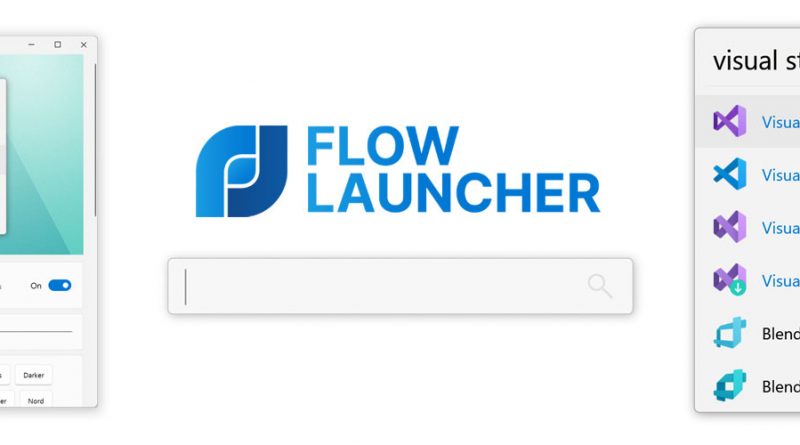
Flow Launcher first look: a lightweight Windows launcher with a real plugin culture
Editorial framing: This is an informed overview based on current official materials and public documentation, not a claim of full hands-on benchmarking.
Launchers are often judged by speed first and personality second, which is fair. If a launcher feels slow, nothing else about it matters. Flow Launcher earns attention because it appears to understand that basic rule while still building a meaningful plugin culture on top.
The current official site and GitHub project describe a Windows launcher focused on fast search, application and file access, web searches, system commands, and extension through community-made plugins. That makes it feel closer to a useful core plus ecosystem than to a one-off shortcut window.
What it is trying to solve
Flow Launcher exists for people who want to get to actions quickly without routing everything through the Start menu, File Explorer, or a browser bookmark system. It is especially relevant for keyboard-oriented Windows users who open lots of tools, folders, and repeated web destinations.
The product’s plugin story extends that. Once a launcher can also query services, search notes, or trigger system commands, it starts to become a practical daily control surface.
What makes it interesting right now
The project feels mature because the current site lists version 2.1.3 from June 8, 2026, while the GitHub repository shows an active open-source project with plugin development, preview support, and broad installation methods including Winget, Scoop, and Chocolatey.
That matters because Windows utilities are often abandoned, under-documented, or too brittle. Flow’s sustained maintenance and plugin ecosystem make it look more durable than the average launcher experiment.
Pricing, platform support, and workflow fit
Flow Launcher is free and open source, which lowers the barrier to adoption and makes experimentation easier. That free entry point is one of its biggest advantages over more locked-down or commercially awkward launcher tools.
The real cost is curation. A plugin-rich tool becomes more valuable when the user resists the urge to install everything and instead keeps a tight, purpose-driven setup.
Where it may not fit
- Plugin-rich tools can become cluttered if users do not curate them carefully.
- Unsigned or lesser-known open-source utilities may raise extra comfort questions in more locked-down environments.
- Some people will still prefer a simpler launcher with fewer moving parts if they do not need the plugin layer.
Who should pay attention
Flow Launcher looks best for Windows users who want keyboard-first speed and who enjoy shaping a tool around their own routine rather than accepting a fixed workflow.
It is particularly attractive for people who already know they want more than stock Windows Search but do not want a heavy paid suite.
Editorial verdict
Flow Launcher looks like the kind of indie Windows app that wins loyalty by staying quick and open-ended. If you like the idea of a launcher that can grow carefully with your habits, it deserves a proper trial.